

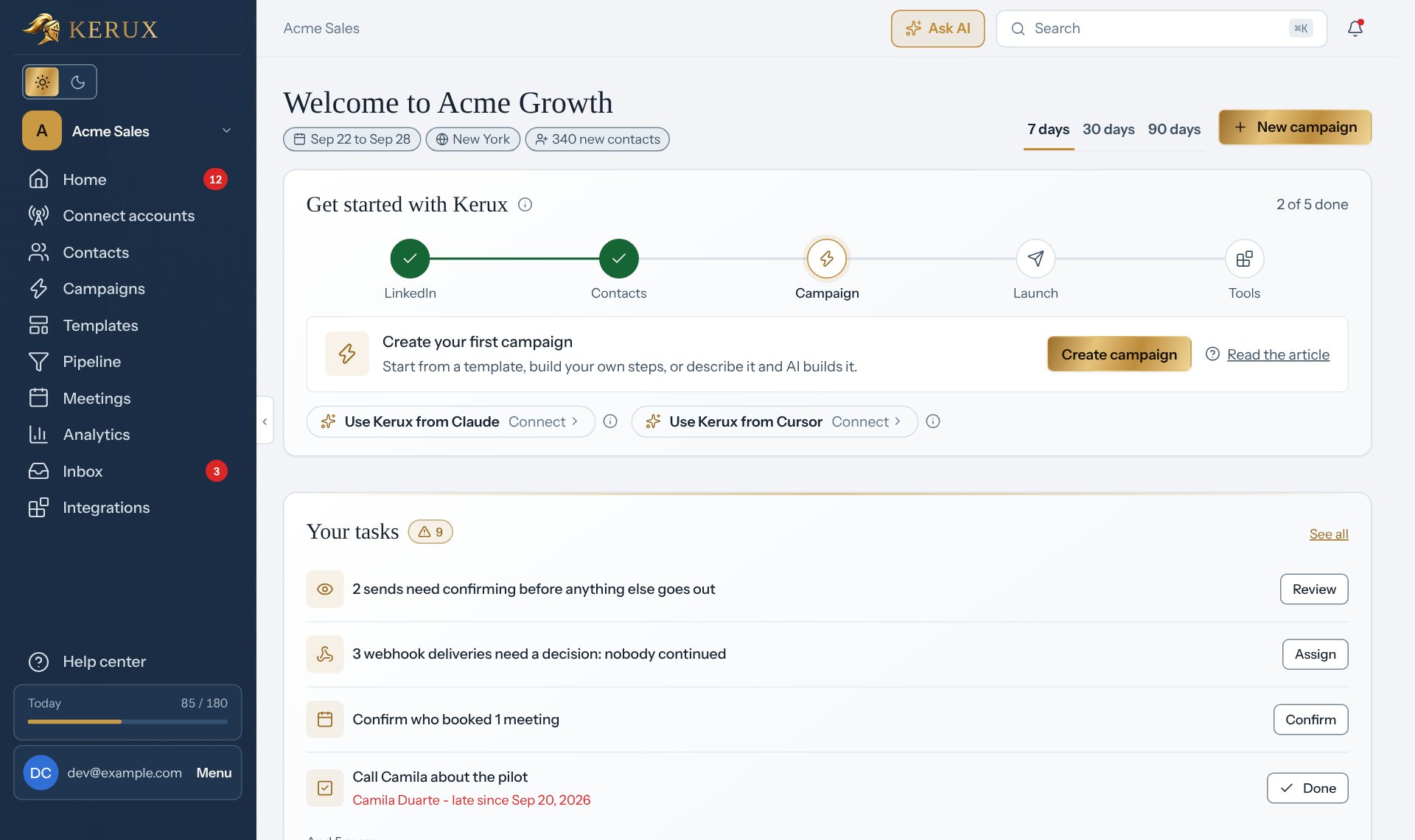
Setup video (1 min)
Where to connect LinkedIn and email, and where to start your first campaign.
Quickstart
From sign-up to your first campaign in about 10 minutes.
Connect a LinkedIn account
The three ways to connect, and which one to pick.
Account safety
Limits, warm-up and working hours that protect your account, with every account on one page in Settings.
FAQ
Short answers to the most common questions.
What you can do
- Campaigns: day-by-day sequences or branching automations, built yourself, from a template or with AI. See Create a campaign.
- Broadcasts: one message to a list or a saved filter, now or at a time. See Broadcasts.
- Contacts: import, find people on LinkedIn, watch posts for signals, scan business cards and keep saved filters.
- Inbox: every conversation with your contacts in one place, on LinkedIn, email and WhatsApp, answered on its own channel. See Use the inbox.
- Pipeline: a board with a card per contact that moves by itself when they reply or book a meeting. See Pipeline.
- Integrations: Sendspark, Clay, Slack, HubSpot and other CRMs, lead ads, webhooks, a full API and MCP. See Connections.
- Free email finders: connect Hunter, Apollo, Clay and Prospeo and find work emails with their free monthly credits. See Find emails for free (80-second video).
What makes Kerux different
- LinkedIn and email in one campaign. LinkedIn steps, email steps and your other apps in the same campaign, in the order you choose. WhatsApp is an optional extra channel.
- Flexible automations. Day-by-day sequences or a branching canvas, started by a form, a reply, a LinkedIn event or any webhook, and editable while they run. Nobody gets a step twice.
- A workflow that keeps running. Call a service, wait for its answer, and continue with that data (for example, a personalized Sendspark video). Every contact that waits shows the reason in plain words and a fix button, and problems collect in Home > Tasks.
- Safe by default. Daily and weekly limits, warm-up and working hours on every LinkedIn account, an unsubscribe line on every campaign email, and WhatsApp messages only to contacts who agreed.